
The Performance
Optimization Library
A technical handbook for the modern player. We strip away the aesthetic marketing of gaming hardware to focus on the raw logic of frame delivery, input latency, and thermal stability.
Handbook Thesis
"Optimization is not about the highest possible number; it is about the lowest possible variance. Stability wins where peaks fail."
ConceptFlow Authored
Technical Protocol 2026
The Input Latency Chain

"Small changes stack. A 2ms delay in the polling rate sounds negligible until it meets a 15ms display pipeline delay and a 10ms network jitter."
Most optimization guides focus on the Graphics Processing Unit (GPU), yet the most critical performance metric for player feel is the click-to-photon latency. This is the total time it takes from a physical input to the visual update on screen.
Optimizing this chain requires a systematic pass. We start with the Mouse Polling Rate. While 8000Hz sounds superior to 1000Hz, it imposes a significant tax on the CPU's interrupt handler, which can ironically lead to micro-stutters in processor-heavy situations. For 90% of setups, 1000Hz remains the stability champion.
Execution Checklist: Latency Pass
-
Disable Fullscreen Optimizations Force the OS to grant the application exclusive control of the display buffer, bypassing the Desktop Window Manager.
-
Enable Low Latency Mode Set driver-level render queues to 'Ultra' or use Reflex integration to keep the CPU from running too far ahead of the GPU.
-
Audit Background Overlays Each active overlay (Discord, Steam, GPU monitoring) injects an extra hook into the frame pipeline. Disable all but the essential.
The final stage is the Display Refresh Pipeline. Many players ignore the "Black Equalizer" and "Response Time" (Overdrive) settings on their monitors. While Overdrive 'Faster' modes promise low latency, they often introduce inverse ghosting—a visual artifact that degrades competitive visibility. The goal is to find the fastest mode that maintains clear edge definition during movement.
Frame Pacing vs. FPS
The Fallacy of Averages
Average FPS is a vanity metric. If you average 144 FPS but your 1% lows drop to 40 FPS, the experience will feel stuttery. We optimize for a flat frame-time graph, aiming for a consistent 6.9ms at 144Hz.
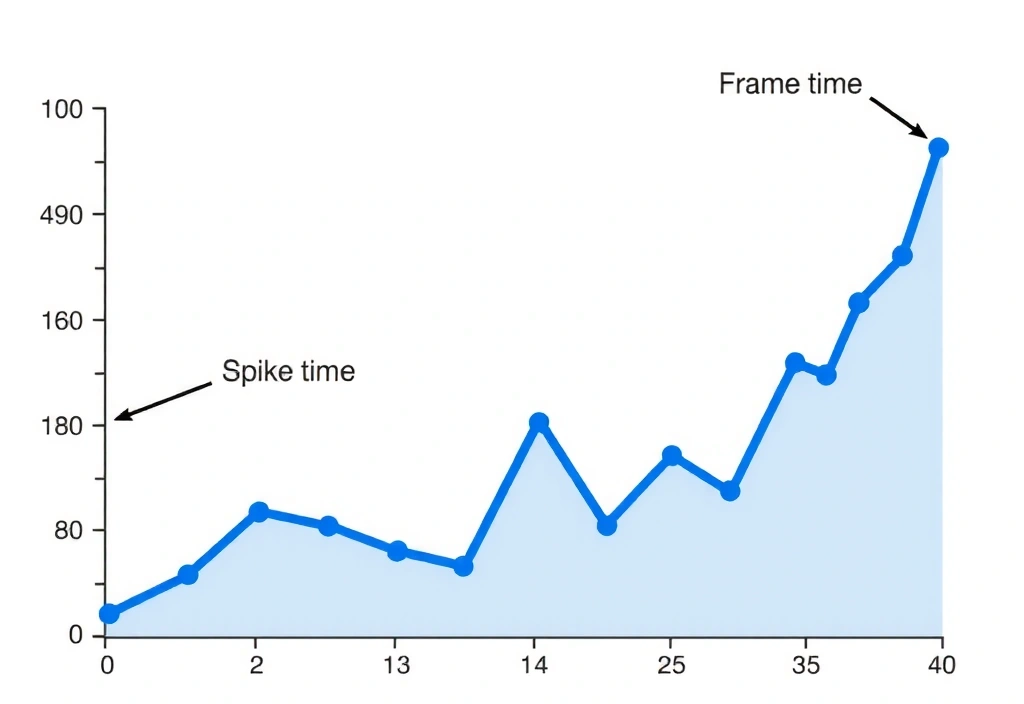
Graph: Frame-time Variance in High-Density Scenes
VRAM Buffer
Exceeding VRAM triggers asset streaming from system RAM, causing "hitching." Always leave 500MB of headroom for system background tasks.
Network Jitter
Ping is the delay; Jitter is the inconsistency. Even 5ms of jitter can cause 'rubber-banding' in fast-paced netcode scenarios.
Why we cap frames
Letting your GPU run at 99% usage creates a bottleneck in the render queue. By capping frames 3 FPS below your refresh rate (e.g., 141 FPS on a 144Hz panel) and using G-Sync/FreeSync, you maintain perfect smoothness without the massive lag of traditional V-Sync.
Pitfall 01
Running games on Windowed Borderless mode. This introduces DWM forced triple buffering.
Pitfall 02
Using 'Ultra' textures on GPUs with 8GB VRAM or less for newer titles.
Pitfall 03
Leaving "Enhance Pointer Precision" ON in Windows mouse settings (forced accel).
Pitfall 04
Ignoring thermal paste aging: after 24 months, clock speeds can drop by 15% due to heat.
Thermal Throttling Constraints
The physical limits of performance that software cannot override.
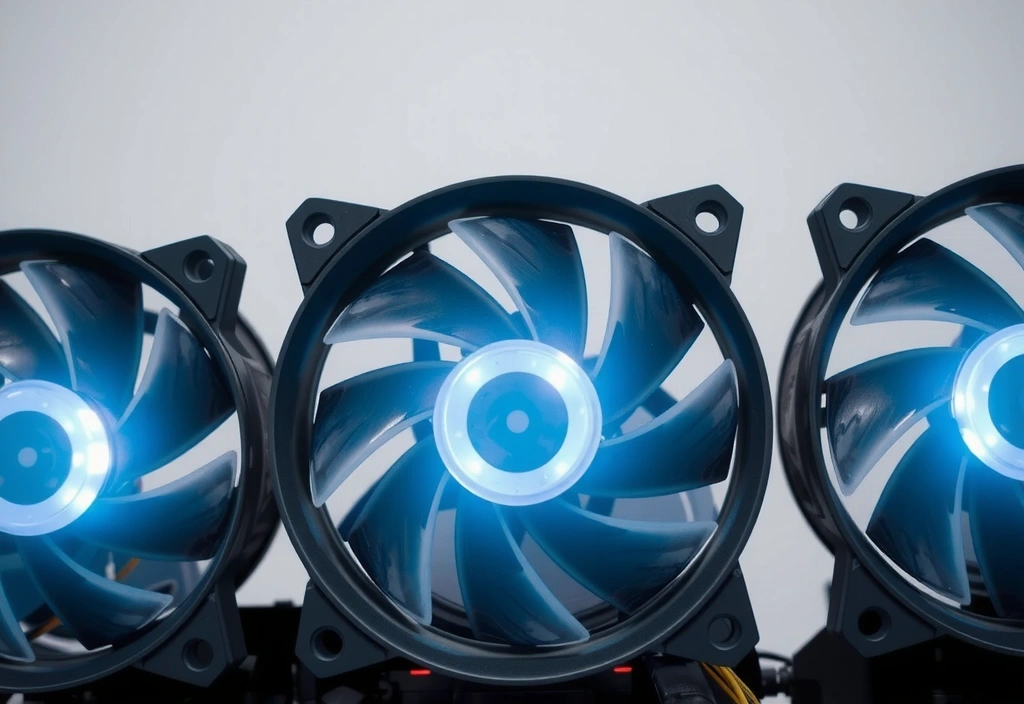
The Boost Clock Decay
Modern GPUs and CPUs use opportunistic boosting. They will push clock speeds higher until they hit a thermal ceiling (usually 83°C for GPUs). Once reached, the hardware down-clocks instantly. This sudden change in frequency is a primary cause of 1% low frame drops.
Settings Trade-off Matrix
| Setting Change | Visual Impact | Perf. Gain | Latency Impact |
|---|---|---|---|
| Volumetric Fog › Low | Minor (Atmosphere) | +12-15% | Neutral |
| Shadow Resolution › Medium | Moderate (Edges) | +20% | Positive |
| Render Scale 90% + DLSS/FSR | High (Softness) | +35% | Negative (Minor) |
| Anti-Aliasing › Off | Very High (Shimmer) | +5% | Positive (Best) |
Taxonomy of Flow
Standard definitions rarely capture the nuance of competitive play. Here is our viewpoint on the terms that define your configuration.

Deterministic Logic
Standard: Logic where the outcome is predictable.
ConceptFlow View: The goal for any multiplayer netcode. You want your skill to be the variable, not a stochastic server roll that decides if your shot landed.
Polling Rate
Standard: How often a mouse reports its position.
ConceptFlow View: The most misunderstood marketing trap. High rates are useless if your CPU is already pinned at 100%—optimize the host first, then the peripheral.
Shader Pre-Caching
Standard: Compiling assets before you start playing.
ConceptFlow View: Mandatory. Never skip this. Skipping shader compilation is volunteering for "compilation stutters" exactly when the action peaks.
Spatial Audio Depth
Standard: 3D positional sound systems.
ConceptFlow View: Less is more. High HRTF processing can increase audio-thread latency. Use stereo with 24-bit/48kHz for the cleanest positional cues.
Ready to Validate Your Config?
A guide is only effective if it's applied. Take the knowledge from these technical chapters and run a controlled benchmark of your own environment today.
Headquarters
Harbiye Mahallesi, Cumhuriyet Caddesi No: 50, Şişli, Istanbul
Support
+90 212 234 5678